


Read The Bleepin’ Manual
The Thingy You're Starin' At
Screen settings let you dial in how your song viewer looks. It's basically a bunch of sliders & toggles so you don't accidentally blind yourself or your audience. Here's what you're messin' with:
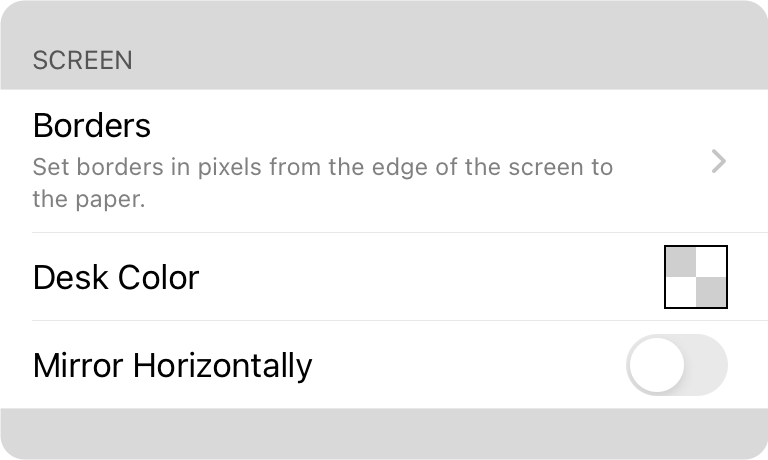
Gimme Space
Borders are for when you're feelin' fancy & want empty space around your virtual paper. Useful if you're tryna hide OnSong's status bar & menu from cameras, or just need some breathing room between songs so it doesn't all blur together like word soup.
Desk Vibes
The desk color is literally what shows up behind your paper. Spoiler: it's usually black so you don't see it. But mess with the borders & suddenly that color's gonna peek through like an awkward photobomb. We got a whole grayscale palette ready to go—black, white, all that jazz. Tap it & boom, you're in the Color Builder where you can really go wild.
Mirror Horizontally
So you wanna look like a total pro on camera, yeah? OnSong rocks for live gigs, but if you're performin' to a lens & need that teleprompter life—y'know, starin' straight ahead while readin' lyrics like you're not actually readin' them—flip this switch. It'll mirror your text left-to-right so you can make friends with mirror-based teleprompters & pretend you're not a script reader. You got this.


