


Manual do utilizador
Planning Center
Planning Center Online é um serviço utilizado por igrejas para organizar equipas e agendar eventos. Funciona muito bem para organizações maiores, onde o tempo de múltiplos serviços e recursos é importante.
OnSong integra-se com Planning Center, permitindo-lhe procurar os seus tipos de serviço e pastas e selecionar um plano para importar. Também pode importar canções individuais.
Iniciar Sessão
Antes de poder utilizar a importação do Planning Center Online, será necessário iniciar sessão no serviço. Certifique-se de que faz isto primeiro antes de prosseguir.
Importar Canções e Multimédia
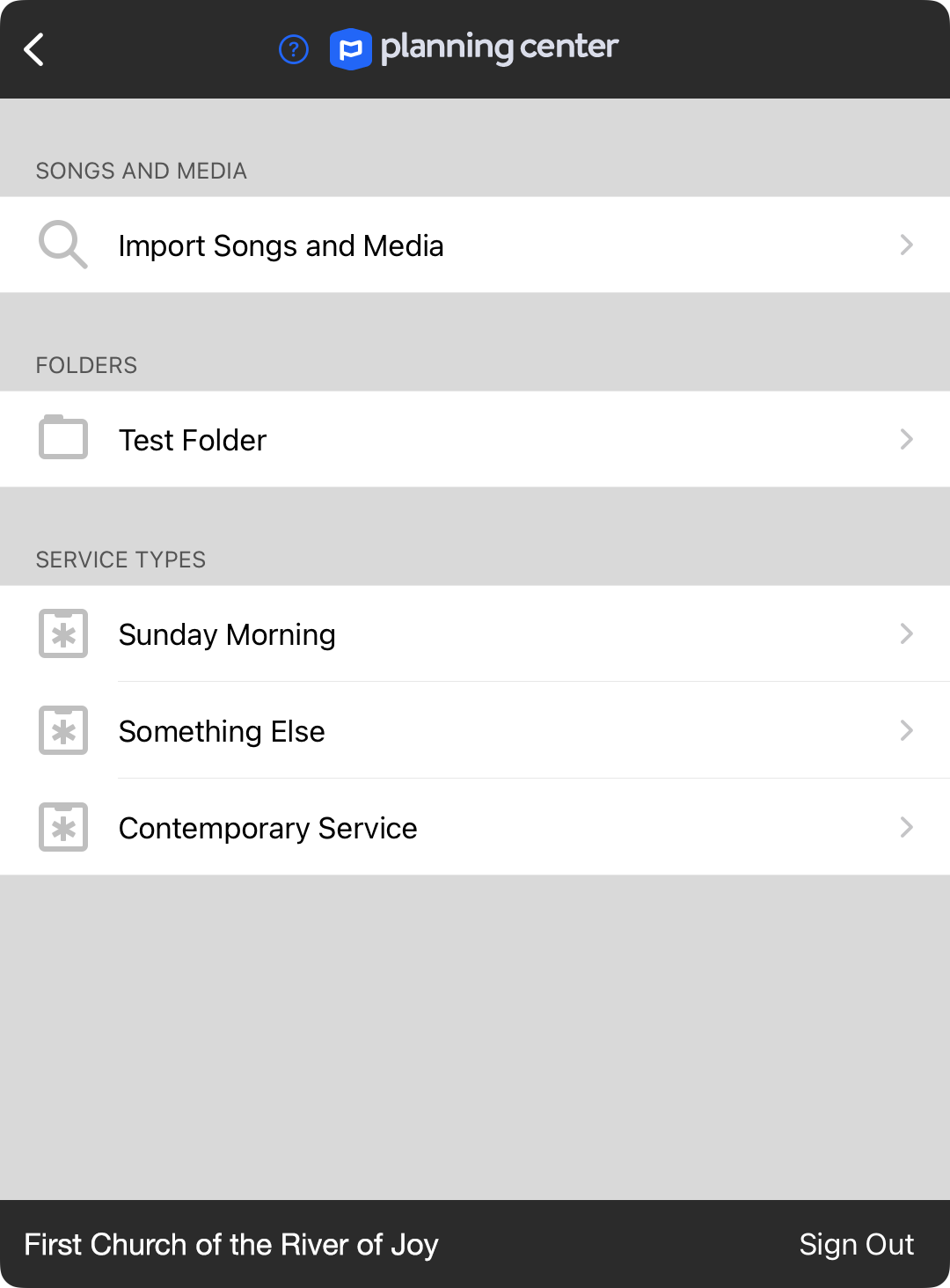
No topo do ecrã encontra-se a opção de importação de canções e multimédia. Isto permitir-lhe-á procurar canções e multimédia na sua biblioteca do Planning Center para importar.
Pastas
Os tipos de serviço podem ser organizados em pastas. Pode escolher uma pasta listada aqui para visualizar tipos de serviço adicionais.
Tipos de Serviço
Escolha um tipo de serviço para listar planos desse tipo para visualizar.
Terminar Sessão
A parte inferior do ecrã apresenta a organização em que iniciou sessão, bem como um botão Terminar Sessão. Toque no botão Terminar Sessão se precisar de iniciar sessão como outro utilizador. Uma vez que o Planning Center não suporta acesso a múltiplas organizações na sua API, será necessário iniciar sessão separadamente se gere múltiplas organizações.


